

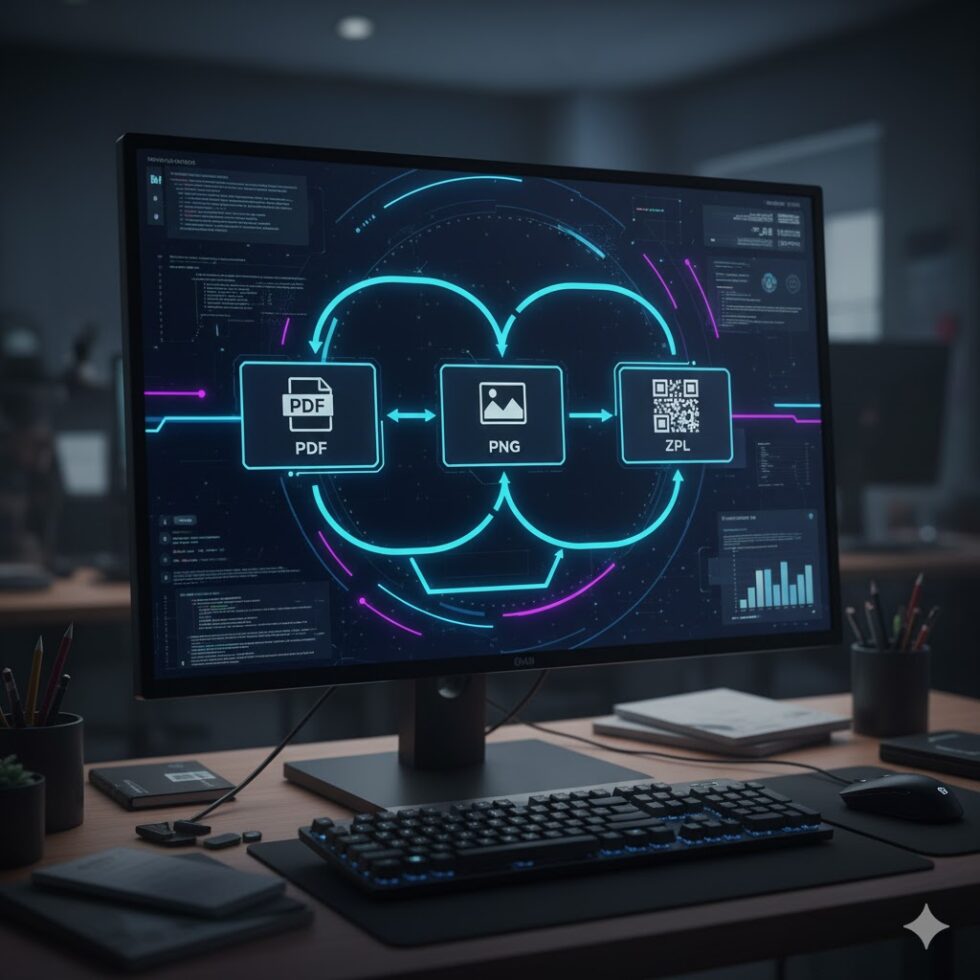
Whether you’re printing logistics labels, testing new templates, or working with e-commerce integrations, you’ll eventually face one common challenge: ZPL file conversion.
Zebra Programming Language (ZPL) is powerful, but not every tool or department speaks its syntax. Designers may send PDFs, your ERP might output XML, or suppliers might use images — and you need to convert everything into clean, printer-ready ZPL.
Fortunately, there are several free and professional tools to simplify this process. Let’s review the best ZPL conversion tools available today and when to use each.
ZPL.ai — The Smart All-in-One Converter
The most advanced option today is ZPL.ai, a next-generation platform built for both developers and business users.
It’s not just a viewer — it’s a conversion engine that allows you to import and export multiple file types seamlessly.
Why it stands out:
- Convert PDF, PNG, or SVG directly into ZPL code.
- Preview and validate results instantly in the browser.
- Batch convert files for large-scale workflows.
- Integration-ready API for automating conversions.
- Cloud history and team sharing tools.
Whether you’re turning design proofs into production labels or generating dynamic ZPL files from product data, ZPL.ai gives you professional precision without local installations.
Best for: Teams and developers managing multiple label formats or automations.
Labelary API
Labelary remains a classic choice for quick ZPL to image conversions. You can send a POST request with your ZPL string and get a PNG response.
Pros:
- Simple and fast REST API.
- Great for debugging visual layouts.
Cons:
- One-way conversion only (ZPL → PNG).
- No interface or bulk features.
Ideal for developers who need to render labels on the fly, but not for complex file conversion workflows.
NiceLabel Cloud
NiceLabel is a professional-grade label design platform that can import PDFs or legacy templates and export directly to ZPL for Zebra printers.
It’s particularly useful for enterprises migrating to a centralized label system.
Strengths:
- Graphical label designer.
- ZPL and EPL export options.
- Integration with ERP and WMS software.
The downside? The free version is limited — you’ll need a paid plan for automation or batch conversion.
Bartender Software
Bartender by Seagull Scientific is another enterprise solution.
While it’s not free, its design-to-ZPL export function is incredibly reliable for regulated industries like healthcare or manufacturing.
It allows you to:
- Convert visual label designs to clean ZPL output.
- Maintain consistent layouts across printer models.
- Integrate with APIs or local databases.
If your organization already uses Bartender for label management, ZPL conversion is just one more advantage.
GitHub Tools and Open-Source Scripts
Developers who prefer flexibility can explore several open-source ZPL converters on GitHub.
Some notable repositories include:
- zpl-converter – Node.js tool for ZPL ↔ PDF conversion.
- python-zpl2 – Generate or parse ZPL from Python scripts.
- zpl-render – Local ZPL to image renderer.
These are great if you want full control and integration with your tech stack, but they require setup and some coding experience.

PDF to ZPL Command-Line Tools
If you need fast, repetitive conversions, several CLI utilities (like pdf2zpl) can help automate processes on servers or local environments.
They’re not polished interfaces, but perfect for developers managing batch jobs or headless systems.
Combine them with APIs like ZPL.ai to build a hybrid workflow that balances speed and usability.
Choosing the Right ZPL Converter
- For developers → Labelary API or open-source libraries.
- For designers → NiceLabel or Bartender.
- For automation and scalability → ZPL.ai.
Each option has its strengths, but ZPL.ai stands out for its speed, flexibility, and collaboration, bringing all the conversion options together in one place — directly from the cloud.
Before finalizing your next label, preview your result using the zpl viewer to ensure pixel-perfect alignment and formatting before sending it to print.