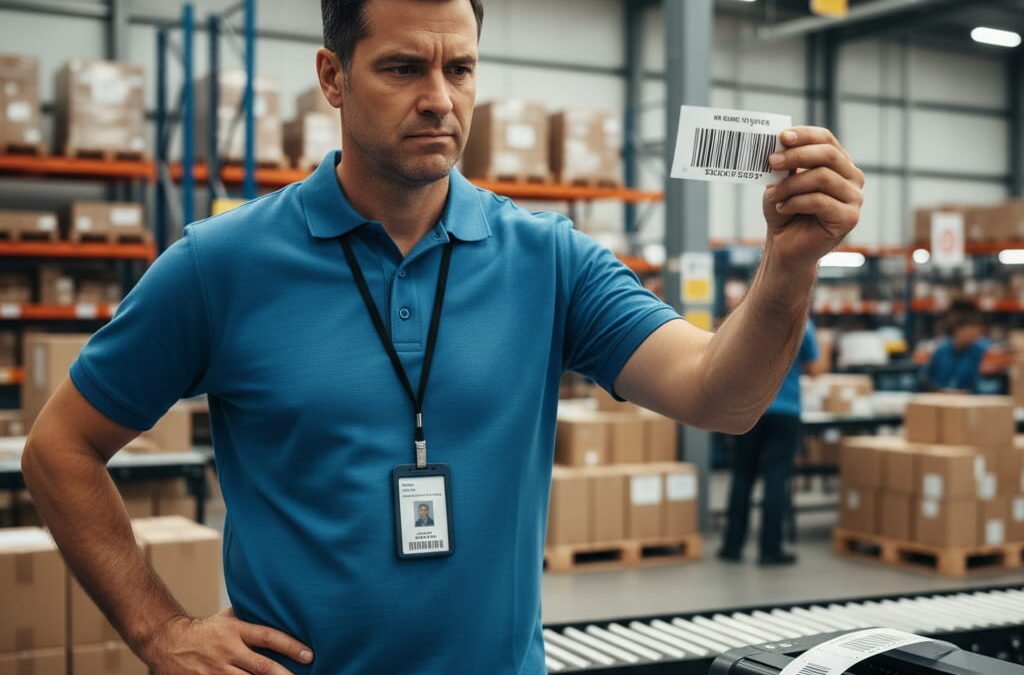
If your business relies on Zebra printers, you know how critical accurate labeling is. A single unreadable barcode can delay shipments, disrupt workflows, and cost companies thousands in wasted materials and lost time. And yet, many teams still make the same ZPL mistakes over and over again — often without realizing how easily they could be avoided.
The truth is that most ZPL errors aren’t caused by the printer itself but by incorrect code, poor formatting, or a simple lack of visibility before printing. This is why more developers and logistics teams are switching to cloud-based tools that preview and validate ZPL files before they ever reach the printer.
Below, we’ll break down the five most common ZPL errors, why they happen, and how using an online viewer can solve them before they turn into costly problems.
Incorrect Barcode Size and Position
Barcode-related issues are by far the most common ZPL mistake — and one of the most expensive. If your barcode is too small, scanners may fail to read it. Too large, and it might exceed the label’s printable area. Even minor misalignments can render an entire batch unusable.
Why it happens:
- Wrong module width or height defined in the ZPL code
- Scaling issues caused by mismatched DPI settings
- Incorrect positioning coordinates (X/Y)
How a cloud viewer solves it:
By rendering the label in your browser, a cloud ZPL viewer shows you exactly how the barcode will print before you waste a single label. You can test different sizes, verify positioning, and make sure the barcode is both scannable and properly aligned.
Misaligned Text and Overlapping Elements
Nothing looks less professional than a shipping label with text overlapping barcodes or running off the edge. Misalignment is not just an aesthetic issue — it can cause scanning errors, returns, or compliance violations.
Why it happens:
- Incorrect coordinates or anchor points
- Using default settings that don’t match your label size
- Forgetting to adjust positioning after adding new elements
How a cloud viewer solves it:
An online preview tool makes these errors immediately visible. Instead of printing and hoping for the best, you can see the label’s layout in real time and adjust text positioning, spacing, and font size until everything fits perfectly.
Unsupported or Mistyped ZPL Commands
ZPL is powerful but strict. A single mistyped command or an unsupported feature can cause your printer to reject the job entirely — or worse, print incomplete or corrupted labels.
Why it happens:
- Typos or syntax errors in the ZPL code
- Using legacy commands with newer printer firmware
- Incorrect nesting of commands
How a cloud viewer solves it:
Many online viewers parse ZPL code and flag syntax errors before rendering. This early warning can save hours of troubleshooting. You’ll know exactly which command is causing the issue and where to fix it.
DPI and Image Rendering Problems
Images are often used on labels for branding or compliance reasons. But if DPI settings in the ZPL file don’t match your printer’s resolution, logos and graphics may print pixelated, distorted, or not at all.
Why it happens:
- DPI set incorrectly in the ZPL header
- Image not converted properly before embedding
- Wrong print density or scaling parameters
How a cloud viewer solves it:
Previewing labels with adjustable DPI simulation lets you see how logos and graphics will appear on the final label. You can test different resolutions, verify clarity, and ensure branding elements look sharp before sending the job to the printer.
Labels Printing Off the Edge or Cutting Off Data
One of the most frustrating ZPL errors is when part of your label is missing — either because the label dimensions were defined incorrectly or the content extends beyond the printable area.
Why it happens:
- Incorrect label width or height in the ZPL code
- Extra elements added without adjusting dimensions
- Units or scaling mismatches
How a cloud viewer solves it:
A preview tool highlights when content exceeds label boundaries. You’ll see immediately if text, barcodes, or images are outside the printable area and can correct them before printing.
Why Fixing These Errors Before Printing Matters
Fixing ZPL mistakes after they happen is expensive and time-consuming. Misprinted labels require reprints, lead to shipping delays, and can even damage your brand’s reputation. In high-volume environments, a single recurring error can waste thousands of labels per month.
This is why many companies are shifting quality assurance upstream — catching errors at the preview stage instead of after printing. Using a cloud ZPL viewer as part of your workflow ensures that only verified, validated labels make it to the printer.
A Better Workflow: Preview, Validate, Then Print
If you’re still printing test labels to check formatting or manually scanning output for errors, you’re wasting resources. Modern tools make it possible to preview and validate everything in the cloud, cutting error rates dramatically and freeing up valuable time.
Before errors happen, use a professional Online ZPL Viewer to validate your labels. It’s a simple step that can eliminate most of the issues we’ve covered here — and it will make your entire labeling process faster, cheaper, and more reliable.
ZPL is a powerful tool, but it’s not foolproof. Even experienced developers and operators make mistakes that lead to wasted materials, compliance issues, and delayed shipments. The key is to catch those errors early — and the easiest way to do that is by integrating a cloud viewer into your workflow.
By previewing and validating your labels online before printing, you can avoid the five most common errors, ensure every barcode scans perfectly, and keep your operation running smoothly.