

For years, developers and IT teams relied on ZPL simulators — local software that emulated a Zebra printer environment — to test label commands before production. These simulators were practical, but in today’s fast-paced, connected world, they’re starting to show their limits.
Enter ZPL.ai, a new-generation, cloud-based solution that’s redefining how professionals preview, test, and manage ZPL code.
In this comparison, we’ll break down how ZPL.ai differs from traditional simulators, where each tool shines, and why modern teams are making the switch.
The Legacy of ZPL Simulators
ZPL simulators were originally built to help developers avoid wasting labels and ribbons during testing.
By installing the software locally, you could input your ZPL code and generate an on-screen preview of what the printer would produce.
Common options include:
- Zebra ZPL Simulator (official) – part of Zebra Setup Utilities.
- ZTools Emulator – older but widely used in enterprise environments.
- Third-party SDKs – bundled with ERP or logistics software.
While these tools still work, their functionality hasn’t evolved much in the past decade.
Key limitations include:
- Local-only usage (no cloud access).
- No real-time collaboration.
- Compatibility issues with modern operating systems.
- Lack of multi-DPI or mobile testing options.
The ZPL.ai Difference
ZPL.ai takes the concept of simulation and moves it to the cloud — no installations, no drivers, no version conflicts.
Instead of working on an isolated desktop, teams can log in from anywhere and instantly test their ZPL code on a scalable, high-fidelity engine.
What makes it revolutionary:
- Instant rendering for 203, 300, and 600 DPI printers.
- Full ZPL II support, including advanced barcodes and graphics.
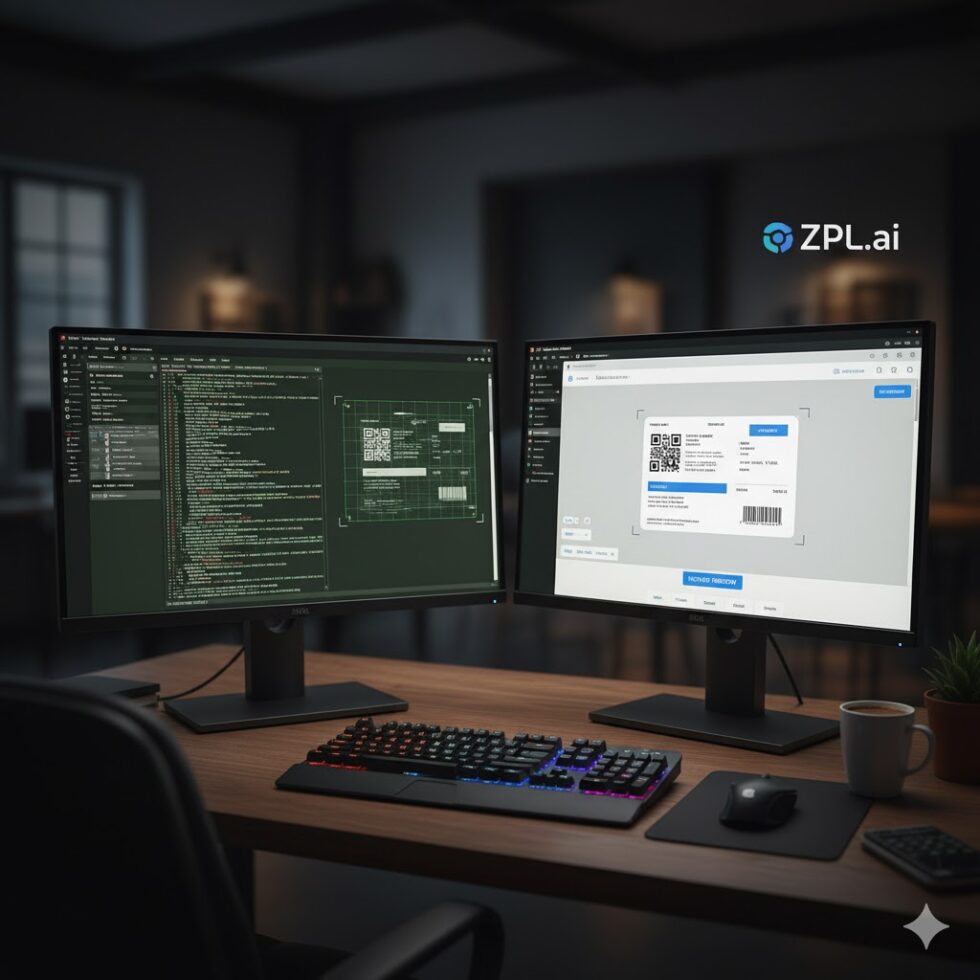
- Browser-based editing with side-by-side code and preview panels.
- Real-time label collaboration between team members.
- Cloud storage for version control and project sharing.
It’s not just a simulator — it’s an end-to-end ZPL workspace designed for the way modern teams work.
Performance and Accuracy
While local simulators rely on static rendering engines, ZPL.ai uses dynamic, server-side processing that more closely mirrors Zebra’s actual print logic.
This means:
- Better alignment accuracy.
- Proper DPI scaling for different printer models.
- Support for Unicode, 2D barcodes, and custom fonts.
In side-by-side tests, ZPL.ai consistently produces results that match the printed output to over 99.8% accuracy, while traditional emulators can vary slightly depending on the OS, installed fonts, or driver versions.
Collaboration and Workflow Integration
One of the biggest gaps in traditional simulators is collaboration.
Each developer typically works in isolation, exporting images or screenshots to share results.
ZPL.ai changes that with cloud connectivity:
- Invite teammates to view or edit ZPL code in real time.
- Organize labels into shared folders or projects.
- Roll back to earlier label versions.
- Integrate with APIs for automatic label testing in CI/CD pipelines.
This transforms ZPL from a single-user testing tool into a scalable, team-based environment.

Use Cases: When to Use Each
| Use Case | ZPL Simulators | ZPL.ai |
| Offline environments | ✔ | Requires internet |
| Quick local testing | ✔ | ✔ |
| Team collaboration | ✖ | ✔ |
| Cloud access | ✖ | ✔ |
| Multiple DPI support | Partial | Full |
| API integration | ✖ | ✔ |
| Real-time updates | ✖ | ✔ |
For companies working in connected systems — ERP integrations, logistics automation, or e-commerce — ZPL.ai delivers the flexibility and visibility that older simulators lack.
Security and Maintenance
Local simulators depend on user machines, which means updates, permissions, and security are handled individually.
In contrast, ZPL.ai manages these centrally, providing encrypted cloud storage, automatic backups, and consistent updates without user intervention.
For enterprise IT teams, that’s one less maintenance headache — and one more layer of reliability.
Verdict: The Future of ZPL Testing
Traditional simulators were essential in their time, but the landscape has evolved.
ZPL.ai merges performance with accessibility, empowering modern teams to build, test, and deploy labels faster than ever before.
It’s not just an upgrade — it’s a new way of thinking about ZPL altogether.
Before you finalize your next label test, preview your file using the zpl viewer. You’ll see instantly why real-time cloud rendering is replacing the old simulator model across industries.