

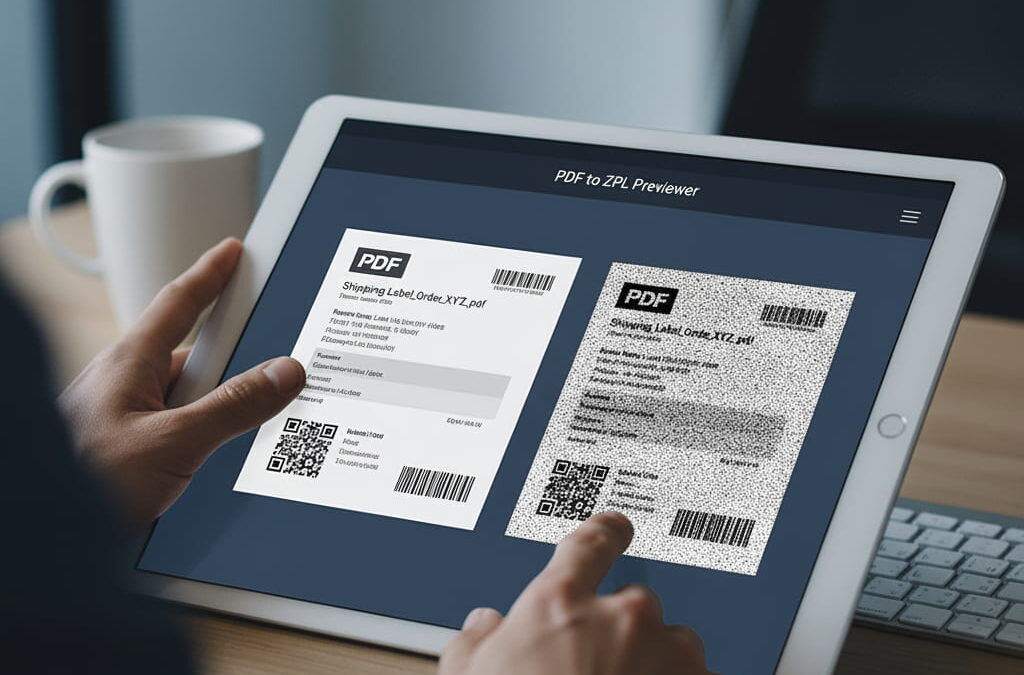
Converting PDF documents into ZPL format used to be a painful, manual process. Developers had to install printer drivers, run scripts, and often guess whether the output would match the original layout. Today, thanks to browser-based tools and cloud processing, you can convert PDFs into ZPL in seconds — no setup, no software, and no wasted labels.
In this guide, you’ll learn what ZPL conversion really means, why accuracy matters, and how tools like zpl.ai make the process easier, faster, and more reliable than ever.
What Is ZPL Conversion and Why It Matters
ZPL (Zebra Programming Language) is the instruction code that tells your printer exactly how to print a label — including text, barcodes, graphics, and layout.
When you convert a PDF to ZPL, you’re translating a visual design into printer commands. The goal is to preserve every pixel of alignment, ensuring that what you see on screen matches what prints on your Zebra printer.
Accurate conversion matters because:
- Shipping labels must meet strict size and barcode standards.
- Even small DPI differences can distort layouts.
- Many enterprise systems (ERP, WMS) store labels in PDF but require ZPL for printing.
An online ZPL converter helps bridge that gap — it interprets the PDF, converts it to precise ZPL code, and allows you to preview the result before sending it to a printer.
Traditional Conversion vs. Cloud-Based Tools
Before cloud-based viewers existed, teams relied on local drivers or desktop utilities that often required complex configuration. They were slow, prone to formatting errors, and only worked on specific operating systems.
Modern cloud ZPL viewers and converters like zpl.ai work directly from your browser:
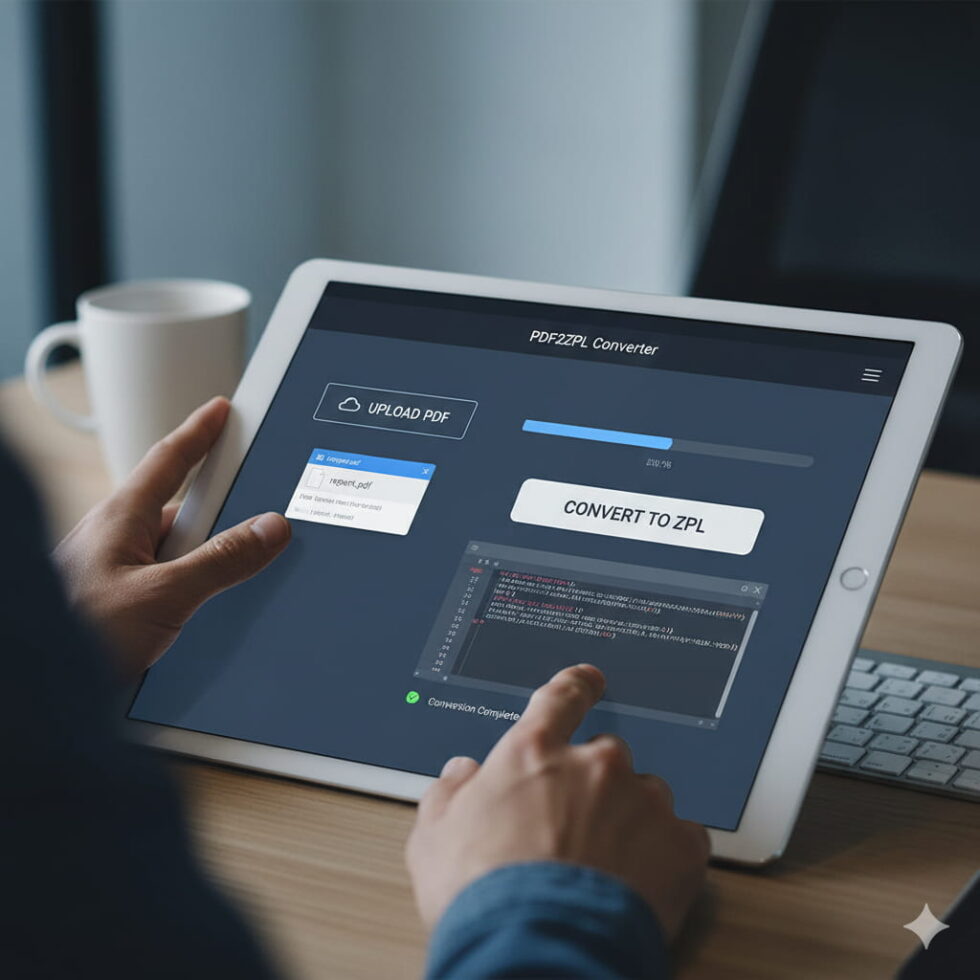
- Upload your PDF or drag and drop it into the interface.
- The system instantly parses your file and renders a ZPL preview.
- You can copy the generated code or download it for printing.
No installations, no dependencies, and the output stays consistent across all printers and platforms.
Step-by-Step: How to Convert a PDF to ZPL Online
- Prepare your PDF: Make sure the file has clean, high-contrast elements. Avoid transparency and complex gradients.
- Open your converter: Go to a cloud ZPL viewer such as zpl.ai.
- Upload or paste your PDF: The system will process the file instantly and generate the equivalent ZPL.
- Preview your label: Adjust DPI, label size, and margins if necessary.
- Copy or download the code: Once validated, use the code in your printer or automation system.
You can repeat this process as many times as needed to optimize quality and positioning.
Common Conversion Issues and How to Fix Them
Even with good tools, a few common problems can appear:
a) Image compression artifacts – When your PDF includes low-resolution graphics, the output may appear pixelated. Use vector graphics or 300+ DPI images.
b) Incorrect scaling – If your label appears cropped, verify that the printer width (^PW) and label length (^LL) match your PDF dimensions.
c) Missing fonts – ZPL uses specific font sets. Convert your fonts to graphics before uploading, or select standard Zebra fonts (A, B, 0).
d) Unsupported transparency – ZPL doesn’t handle transparency. Flatten all layers in your PDF before conversion.
Using zpl.ai, you can preview the converted label in real time, making it easy to detect and fix these issues before printing.
Automation: Integrating Conversion into Your Workflow
If you frequently generate labels from order systems or ERP software, manual conversion won’t scale. The next step is automation.
zpl.ai offers a cloud-based interface designed to integrate easily into automated pipelines. You can send PDFs directly via API, process them into ZPL, and return the rendered preview or ready-to-print code.
This approach saves time, ensures uniform output, and eliminates human error — critical advantages for fulfillment and logistics operations.
Why Cloud Conversion Is the Future
Online converters have changed how developers and operations teams handle labeling. Instead of relying on local setups or technical support, anyone can validate and generate ZPL from anywhere.
Benefits include:
- Accessibility from any device or location
- Real-time error detection
- No printer connection required
- Collaboration through shared previews
For teams working in e-commerce, manufacturing, or logistics, adopting a cloud-based conversion tool like zpl.ai streamlines processes and prevents costly mistakes.
From Design to Printer in Seconds
Converting PDFs to ZPL is no longer a slow, uncertain process. With the right tool, you can generate accurate ZPL commands instantly, preview results online, and print with confidence.
By using a cloud ZPL viewer such as zpl.ai, your team can eliminate guesswork, ensure layout precision, and integrate label conversion seamlessly into your workflow.
For a deeper understanding of how ZPL visualization and validation work, check out our comprehensive Online ZPL Viewer guide.