

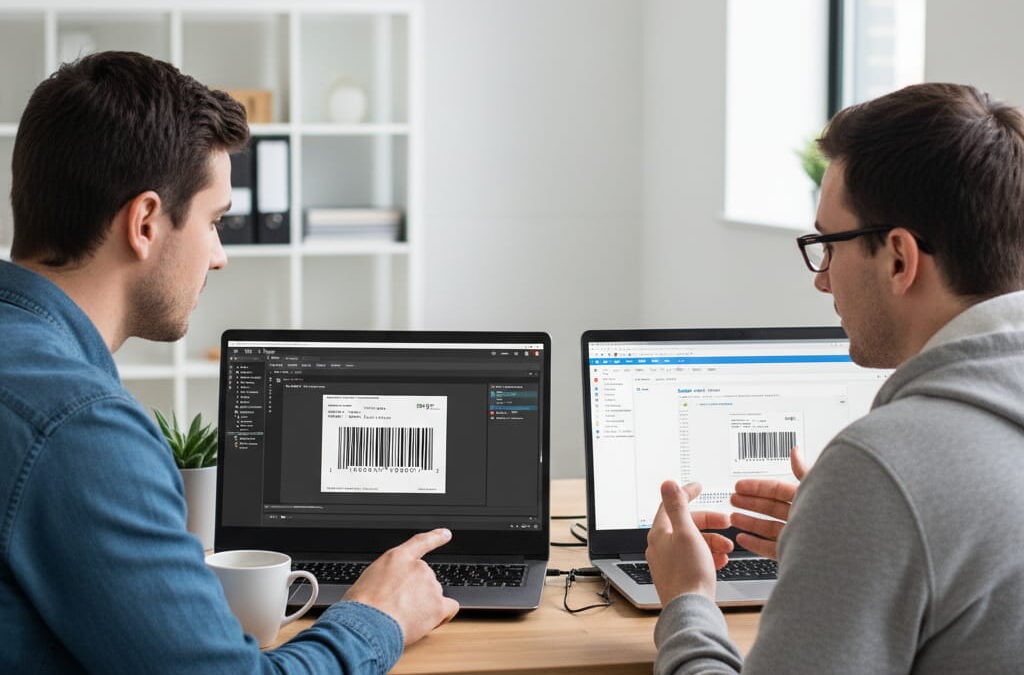
If you’ve worked with ZPL (Zebra Programming Language) for more than a few days, you’ve probably asked yourself this question: Should I be using Labelary or a modern ZPL Viewer tool?
It’s not a trivial decision. The tool you choose for previewing, testing, and validating labels can have a huge impact on your workflow, efficiency, and even the accuracy of your shipments. Yet most teams pick one almost at random — and often stick with it for years without realizing there might be a better fit.
This guide is designed to change that. We’ll compare Labelary, the veteran in the space, with zpl.ai, one of the most modern and developer-friendly ZPL viewers available today. By the end, you’ll know exactly which one is right for you.
Quick Overview: What Are They and Why Do They Matter?
Before we dive into the details, let’s clarify what these tools actually do. Both Labelary and zpl.ai are online ZPL viewers — browser-based platforms that let you visualize your ZPL label files without needing a physical printer.
They serve three key purposes:
- Preview: See exactly how your label will print, down to pixel-level accuracy.
- Debug: Catch syntax errors, alignment issues, and unsupported commands early.
- Validate: Ensure barcodes, logos, and text render correctly before they reach the printer.
If your business depends on accurate, efficient label generation (and most logistics workflows do), choosing the right viewer is essential.
Feature Comparison: ZPL Viewer (zpl.ai) vs Labelary
Here’s a direct, side-by-side breakdown of the most important features:
| Feature | zpl.ai | Labelary |
| Real-time preview | ✅ Yes | ✅ Yes |
| Syntax error detection | ✅ Yes | ❌ No |
| DPI simulation | ✅ 203, 300, 600 DPI | ✅ 203, 300 DPI |
| Barcode rendering accuracy | ✅ Very high | ✅ High |
| Image rendering | ✅ Full support (PNG, JPG) | ✅ Basic support |
| Custom label size and margins | ✅ Yes | ✅ Yes |
| Export options | ✅ PNG, PDF | ✅ PNG |
| User interface | ✅ Modern, intuitive | ❌ Outdated UI |
| Speed on large files | ✅ Fast | ⚠️ Slows with complex labels |
| API support | ✅ Available (Beta) | ✅ Yes |
| Collaboration features | ✅ Built-in preview sharing | ❌ No |
Verdict: Labelary still does the basics well, but zpl.ai is clearly designed for modern workflows. It adds important features — like syntax validation, improved barcode accuracy, better export tools, and real-time collaboration — that make label testing faster and more reliable.
Ease of Use and User Experience
This is where the gap widens even more. Labelary’s interface hasn’t changed much in years. It’s simple and functional, but it feels outdated and lacks features that most developers now consider standard — like live code editing or contextual error hints.
zpl.ai, on the other hand, is built for usability. Its interface is cleaner, more responsive, and much easier to navigate. You can paste code, upload .zpl files, tweak DPI settings, and instantly see results — all from a single, minimal dashboard.
If your team needs a tool that even non-technical staff can use, zpl.ai is the obvious choice.
Accuracy and Performance: Small Differences That Matter
When it comes to ZPL rendering, small details make a big difference. Barcode scaling, font spacing, and DPI simulation must match real printer behavior as closely as possible.
Labelary does a decent job here — it’s accurate enough for most use cases. But zpl.ai goes a step further by supporting more commands, better handling of complex layouts, and rendering barcodes with slightly higher scan reliability.
This might sound minor, but if you’re printing thousands of shipping labels a day, those small differences can translate into fewer failed scans and faster fulfillment times.
Advanced Features That Save Time
Beyond basic previewing, zpl.ai includes several features that can significantly speed up your workflow:
- Syntax validation: Highlights errors before rendering, saving hours of debugging.
- Custom DPI and label profiles: Simulate multiple printer environments without re-uploading.
- Preview sharing: Generate a shareable link for QA, clients, or remote team members.
- Export-ready templates: Save previews directly as PNG or PDF files.
Labelary, while stable and widely used, simply doesn’t offer this level of functionality.
Pricing and Accessibility
Both tools are free to use for basic previewing. However, zpl.ai also offers advanced features in its free version that Labelary reserves for API users. If you need collaboration tools, image exports, or syntax validation, zpl.ai provides more value out of the box.
Which One Should You Choose?
It depends on what you need:
- Choose Labelary if:
- You only preview labels occasionally.
- Your ZPL files are simple and rarely change.
- You prefer a “set it and forget it” tool.
- Choose zpl.ai if:
- You work with ZPL daily and need higher accuracy.
- You want a modern UI with syntax validation and real-time debugging.
- Collaboration, preview sharing, or advanced export options matter to you.
- You’re building SaaS or automation workflows where reliability is critical.
It’s worth noting that zpl.ai isn’t just a viewer — it’s part of a growing ecosystem designed for developers, logistics teams, and SaaS companies that depend on high-volume label generation. Its focus on accuracy, speed, and simplicity means you get more than just a preview: you get a tool built to integrate into real-world workflows.
For most modern teams, zpl.ai is the clear winner. It’s faster, smarter, and more capable — without losing the simplicity that makes Labelary appealing.
Choosing a ZPL viewer isn’t about picking a “better” or “worse” tool — it’s about finding the one that fits your workflow. Labelary is a proven solution that does the basics reliably. But for teams working at scale, building automation pipelines, or demanding higher precision, zpl.ai has become the gold standard.
If you’re ready to move beyond the limitations of legacy tools, offers a next-generation approach to label previewing. From real-time syntax validation to DPI simulation and team collaboration features, it’s built for the way companies work in 2025 — fast, precise, and ready to scale.
For a deeper dive into how these tools work and how they fit into a modern labeling setup, check out our comprehensive Online ZPL Viewer guide — it breaks down everything you need to know to master label previewing.