
The Ultimate ZPL Font Guide: How to Use, Embed, and Adjust Fonts
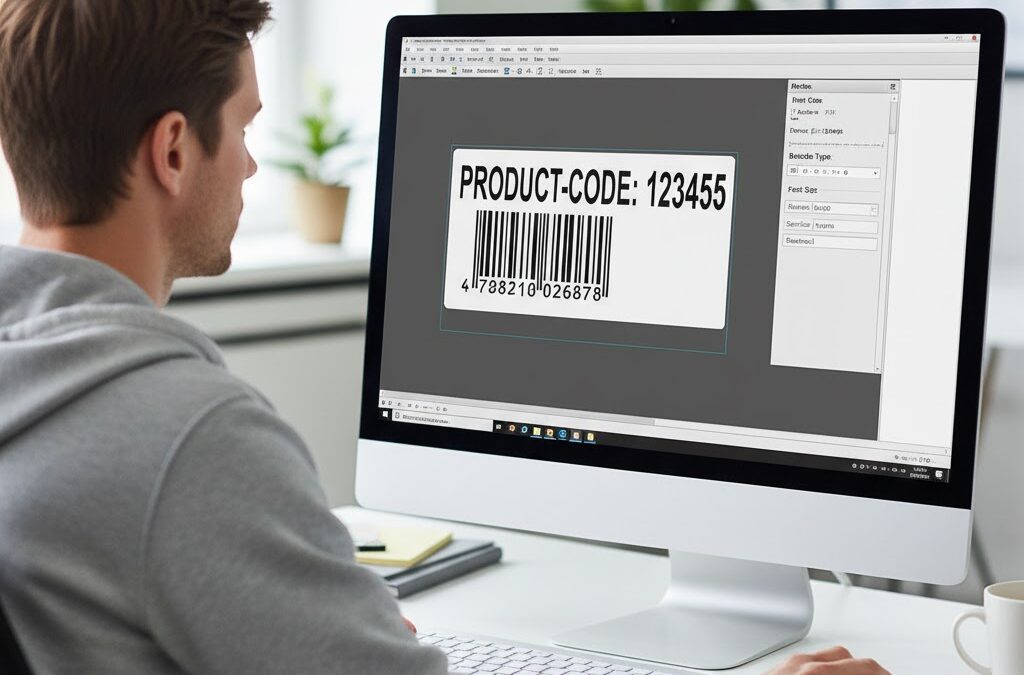
Fonts are often an afterthought when creating labels — until something goes wrong. Suddenly, the perfectly aligned layout shifts, text is too small, or a customer’s name disappears because the font wasn’t supported. In Zebra Programming Language (ZPL), fonts play a central role in label readability and compatibility. Whether you’re printing addresses, barcodes, or serial […]
How to Send ZPL Code to a Printer via Network
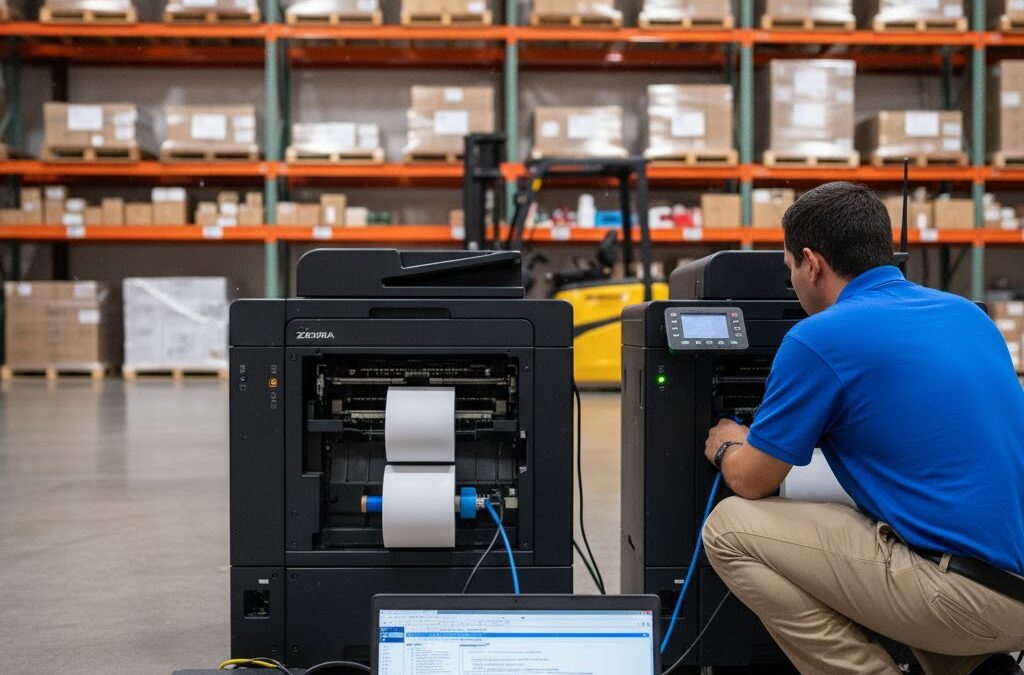
Not long ago, printing ZPL labels required being physically tethered to a printer — a USB cable on every workstation, a local driver on every computer, and endless troubleshooting whenever something disconnected. That approach worked fine for small setups, but once you start scaling, it becomes chaos. Modern Zebra printers, however, can be managed completely […]
How to Preview ZPL Labels on Mac and Windows
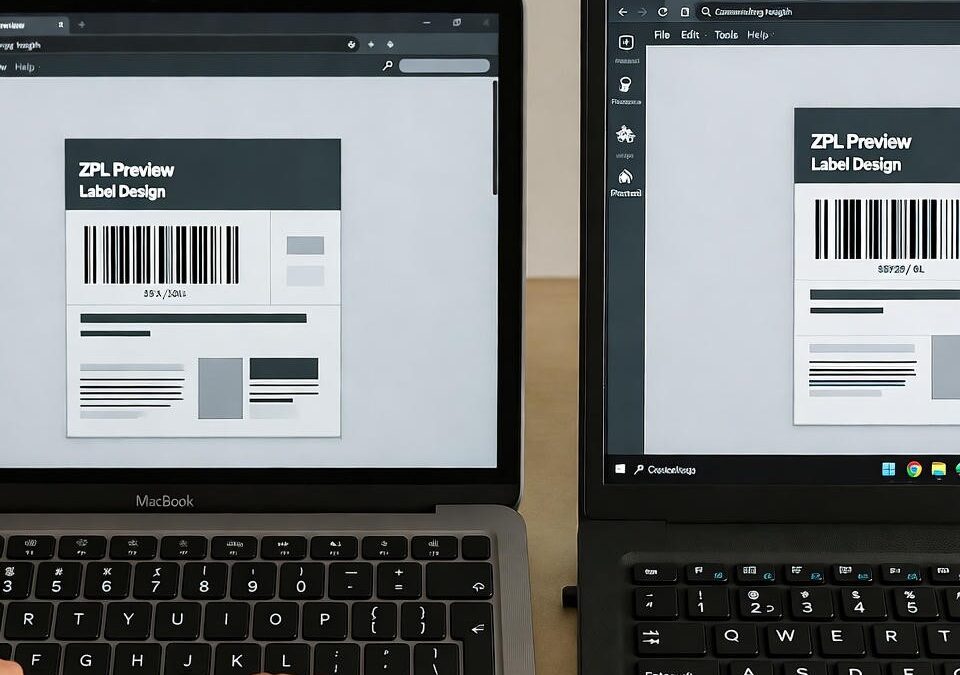
For years, developers working with Zebra printers faced the same headache: ZPL label previews simply didn’t work properly across systems. You’d find one tool for Windows, another for Mac, and none gave you a true preview of what would actually print. Today, that limitation is gone. Whether you’re on macOS, Windows, or even Linux, you […]
How to Add a Logo to a ZPL Label
There’s something powerful about seeing your brand printed right on a label. A simple logo can turn an anonymous package into a professional, trusted delivery. But when it comes to Zebra printers and ZPL labels, adding that logo isn’t as straightforward as dropping in a JPG or PNG. You need to speak the printer’s language […]
How to Fix Barcode Errors in ZPL
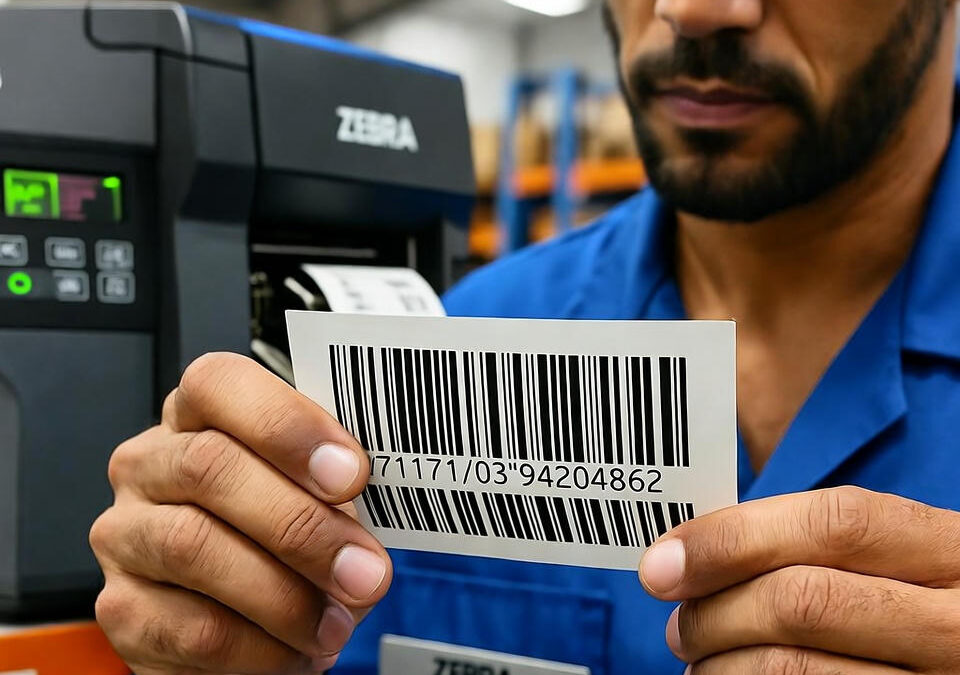
There’s nothing more frustrating than a barcode that looks fine but won’t scan. You send your perfectly formatted ZPL code to the printer, the label comes out crisp, yet the handheld scanner just blinks — no read, no beep, no confirmation. If that’s ever happened to you, you already know how painful it can be […]
How to Print ZPL Labels Directly from Your Browser
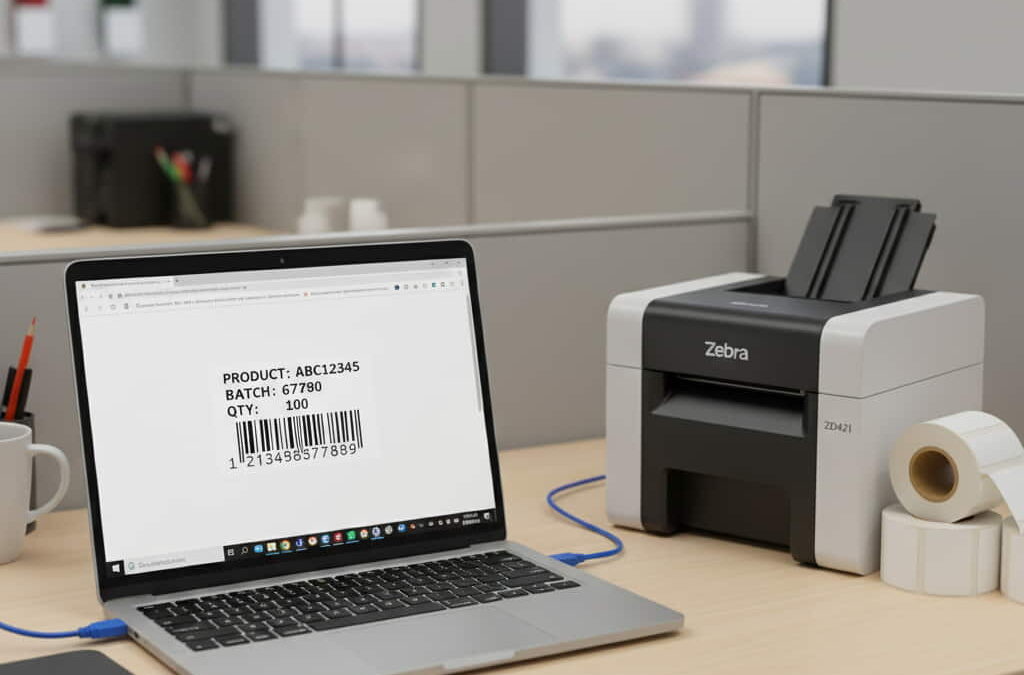
If you’ve ever worked with Zebra printers, you know the frustration: generating a label is easy, but actually getting it to print — without drivers, scripts, or desktop apps — often feels like a bad riddle. That’s why browser-based ZPL printing is such a game-changer. Imagine this: you open your browser, upload your label, hit […]
How to Generate ZPL from an Image or Logo
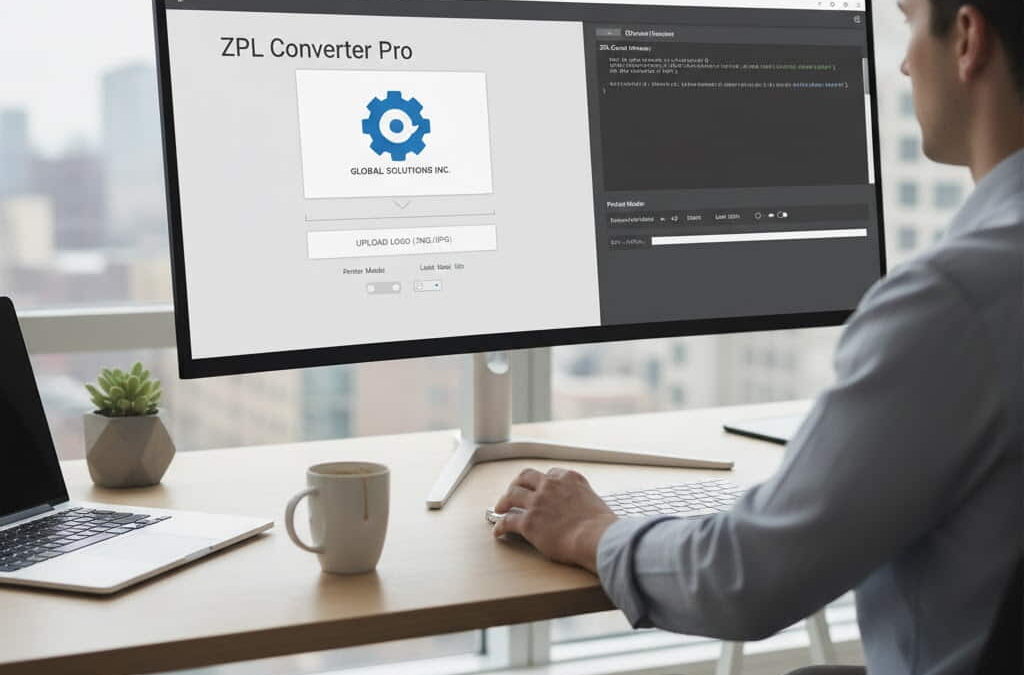
If you’ve ever tried to print a company logo or product image on a Zebra printer, you already know it’s not as simple as dropping a PNG onto your label. Printers that use ZPL (Zebra Programming Language) don’t understand images directly — they need code. That’s where the magic of image-to-ZPL conversion comes in. It’s […]
How to Convert PDF to ZPL Instantly Online
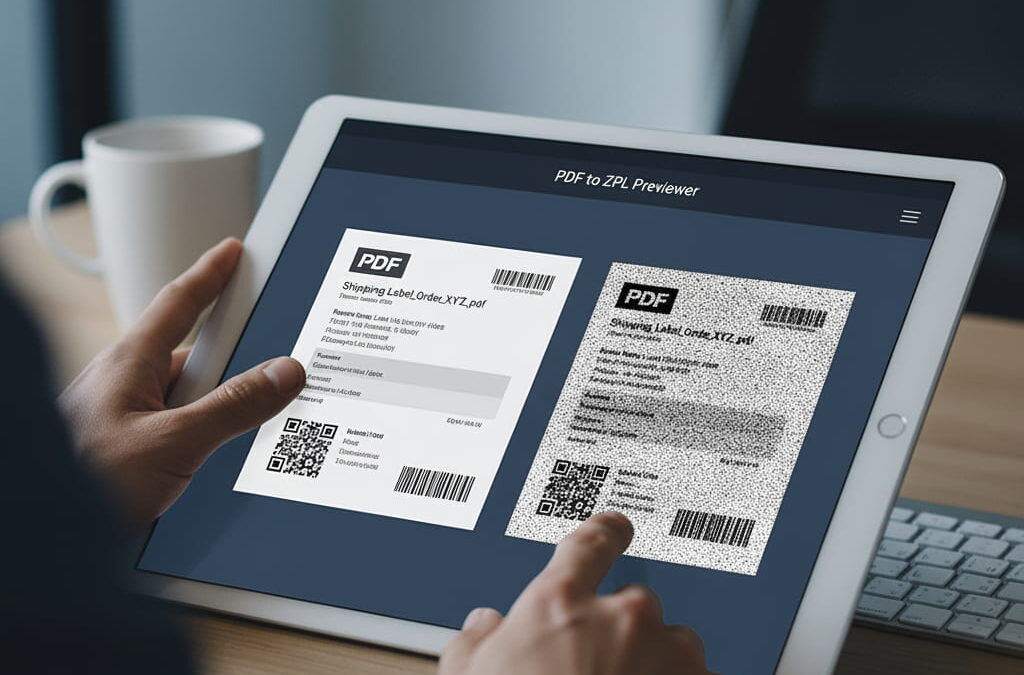
Converting PDF documents into ZPL format used to be a painful, manual process. Developers had to install printer drivers, run scripts, and often guess whether the output would match the original layout. Today, thanks to browser-based tools and cloud processing, you can convert PDFs into ZPL in seconds — no setup, no software, and no […]
How to Fix ZPL Label Alignment Issues Before Printing
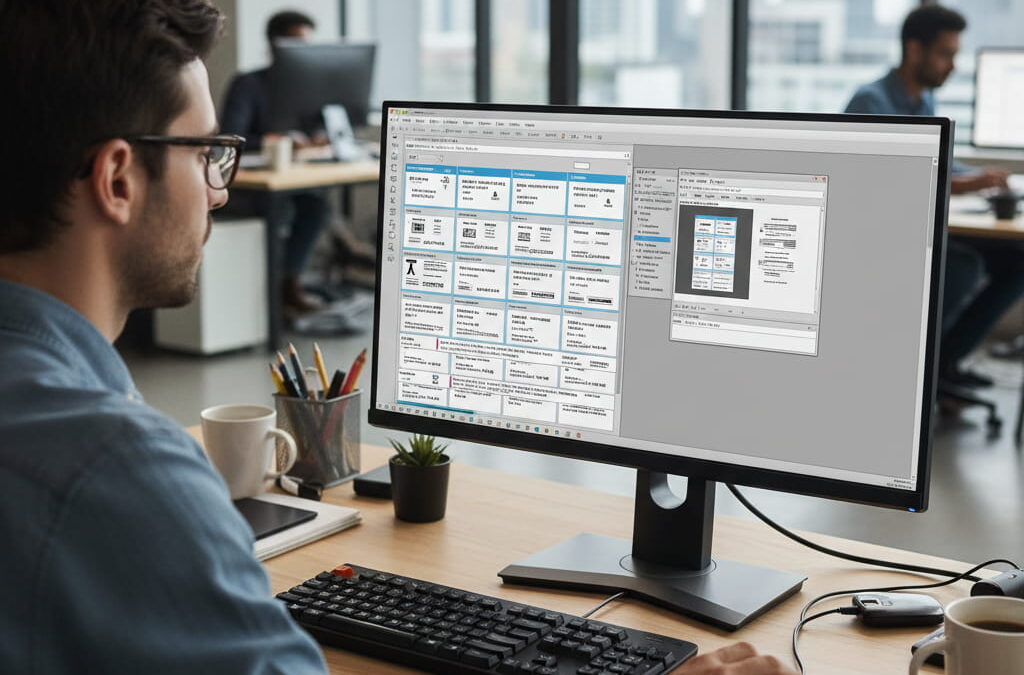
When One Millimeter Becomes a Big Problem If you’ve ever printed a batch of labels only to find that the barcodes are shifted or the text runs off the edge, you’ve experienced one of the most frustrating ZPL issues: misalignment. It’s a small detail with big consequences. Misaligned labels waste materials, slow down operations, and […]
How to Preview ZPL Files Without a Printer (2025 Step-by-Step Guide)
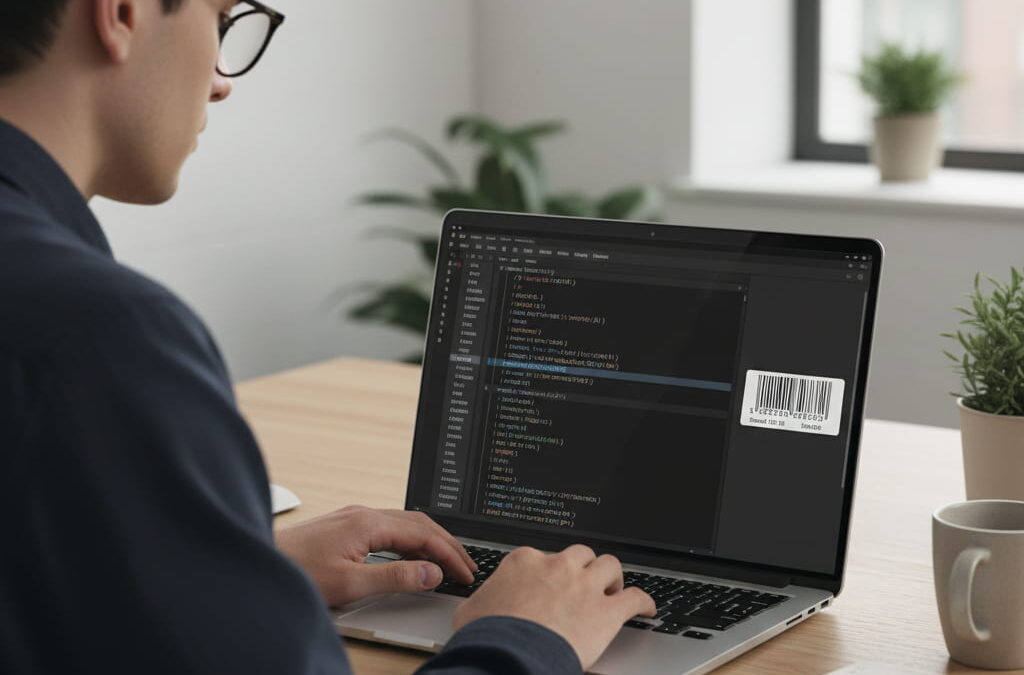
If you’ve ever worked with Zebra printers or ZPL code, you know the drill: write your commands, upload them to the printer, print a label… and then realize it’s completely misaligned. Or the barcode is unreadable. Or the text is cut off. This print-check-repeat process wastes hours — and hundreds of labels — every month. […]