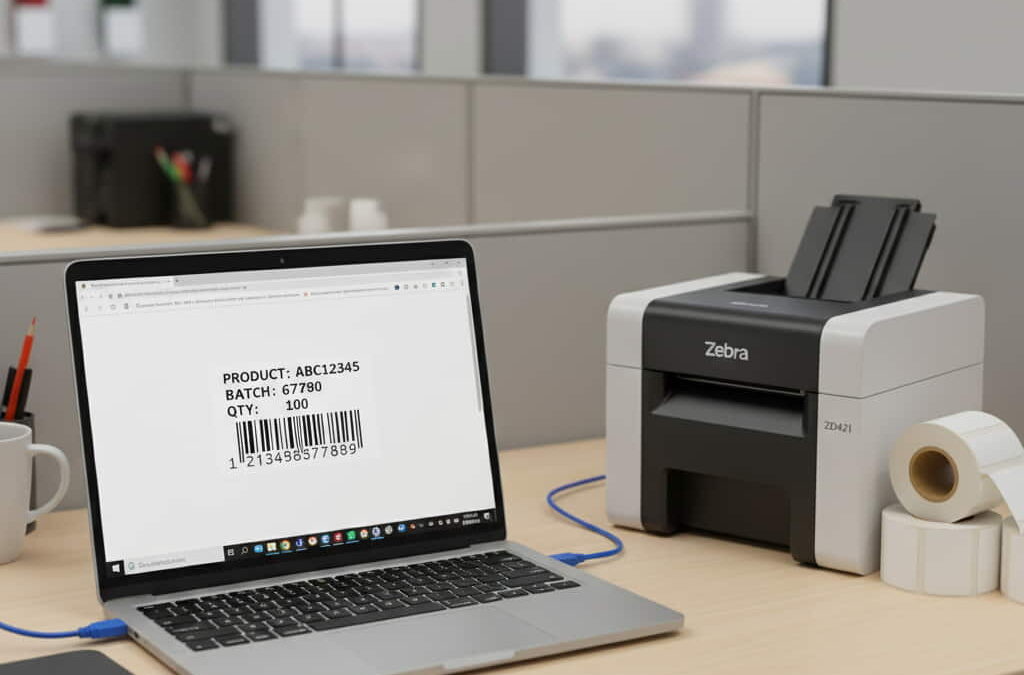
If you’ve ever worked with Zebra printers, you know the frustration: generating a label is easy, but actually getting it to print — without drivers, scripts, or desktop apps — often feels like a bad riddle.
That’s why browser-based ZPL printing is such a game-changer.
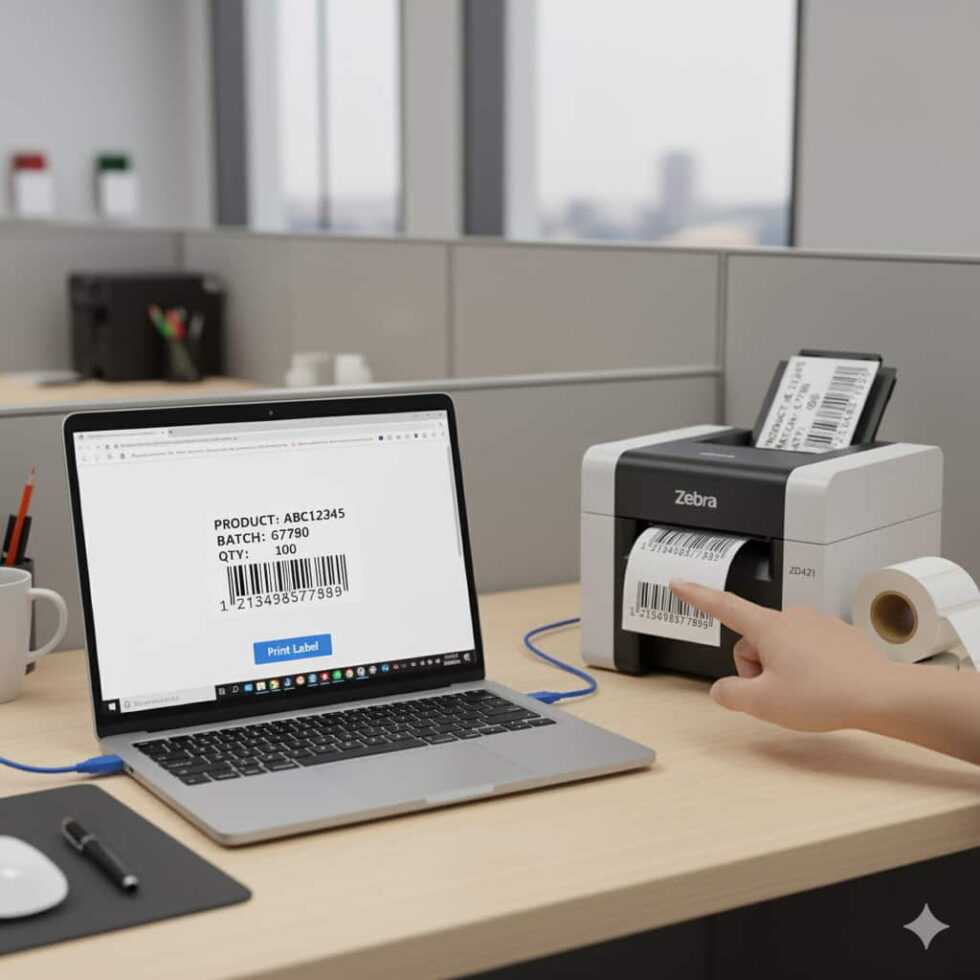
Imagine this: you open your browser, upload your label, hit “Print,” and the label comes out perfectly — no installations, no serial connections, no hidden steps.
It’s simple, elegant, and finally practical.
Why Browser Printing Used to Be Impossible
For years, Zebra printers relied exclusively on local communication protocols (USB, serial, or network ports).
That meant developers had to use middleman software like PrintConnect or ZDesigner just to send ZPL commands.
It worked… but only after hours of setup.
Worse, it was OS-dependent — a nightmare if your team used a mix of Windows and macOS devices.
Today, cloud tools like the zpl viewer have turned that workflow upside down.
They allow direct label previewing, validation, and even print simulation — all from your browser.
No drivers. No plugins. Just ZPL, ready to go.
The Core Concept: Your Browser as the Printer Interface
When you open a tool like zpl viewer, you’re not just “seeing” a label.
You’re looking at a real-time rendering of the printer’s language.
Each time you paste or upload a ZPL file, the viewer decodes the commands and draws the label pixel by pixel, exactly as your Zebra printer would.
From there, you can:
- Test alignment and barcode positions.
- Adjust label size and margins.
- Verify logos and graphics.
- Print directly or download the rendered image for integration.
It’s like a virtual printhead — except it never jams.
Step-by-Step: Printing ZPL Labels from Your Browser
If you want a clean, driverless setup, here’s the workflow that works best:
- Prepare your ZPL file — Either write it manually or generate it through your ERP or order system.
- Open zpl viewer in your browser.
- Paste or upload the ZPL code — The tool instantly renders your label.
- Preview the output — Check that fonts, barcodes, and spacing look perfect.
- Download or print — Choose to download as PNG/PDF or print directly through your local network printer.
The entire process takes less than 30 seconds.
That’s faster than waiting for a printer driver to load.
When and Why This Matters
For developers and logistics teams, browser-based printing isn’t just about convenience — it’s about scalability.
Think of distributed teams, remote warehouses, or fulfillment partners across different regions.
Instead of installing software on every workstation, your team simply accesses a browser tool and prints from anywhere.
This approach also minimizes IT overhead.
No need to configure printers for each user or update drivers every few months.
Your label workflow becomes centralized, fast, and consistent.
Technical Note: Printing Without Losing Quality
A lot of users worry that “browser printing” might mean lower print quality.
It doesn’t — as long as your ZPL file and viewer settings are configured correctly.
Here’s what to double-check before printing:
- DPI matches your printer (203, 300, or 600).
- Label width (^PW) and length (^LL) are correctly defined.
- Your barcode symbology (^BY, ^BC, etc.) matches your format requirements.
- Images are encoded in pure black-and-white (no grayscale).
If you’re testing from zpl viewer, you’ll see exactly what your printer will produce — pixel by pixel.
Advanced Tip: Integrate Browser Printing with Your Systems
If you manage high-volume printing or automated logistics, you can integrate this workflow into your system using APIs.
With zpl.ai, developers can generate, preview, and trigger prints directly from order management platforms or fulfillment systems.
That means your users never even need to open the viewer manually — the system does it for them.
It’s how modern logistics platforms are cutting label generation times by up to 70%.
Real Example: From E-Commerce Chaos to One-Click Printing
A small online retailer used to rely on a local Windows machine to print all shipping labels.
If that computer failed, the entire shipping line stopped.
Now, their team just logs into zpl viewer, previews their ZPL files, and prints from any device — even tablets.
Their print setup went from fragile to bulletproof.
And the best part? They’ve never had to reinstall a printer driver again.
The Browser Is the New Print Console
Browser-based ZPL printing isn’t a hack — it’s the natural evolution of how label systems should work.
It’s flexible, consistent, and available anywhere your team needs it.
So whether you’re managing a warehouse, a fulfillment center, or just trying to simplify your own dev environment, it’s time to leave the old tools behind.
Use a zpl viewer to preview, validate, and print labels directly from your browser.
It’s faster, cleaner, and the way modern labeling should be.