


Zebra Programming Language (ZPL) has powered industrial label printing for over three decades. But when ZPL II arrived, it quietly revolutionized how businesses formatted, stored, and printed label data at scale.
If you’ve ever worked with Zebra printers, you’ve probably seen “ZPL II” referenced in documentation or device settings — but what exactly sets it apart?
Let’s explore how ZPL II works, why it replaced ZPL I, and how understanding its structure can help you print more efficiently and accurately.
A Brief History of ZPL
The original ZPL was developed in the 1980s to give users direct control over label layouts using plain text commands.
It worked — but it wasn’t perfect.
As printers evolved, so did the need for:
- Scalable fonts and barcodes.
- Variable label sizes.
- Faster communication speeds.
Enter ZPL II: a fully backward-compatible yet vastly more capable language that added modularity, memory efficiency, and complex graphics handling.
Key Advancements Introduced in ZPL II
ZPL II introduced several innovations that made it the global standard for label printing:
- Simplified Syntax: Commands became shorter and more consistent.
- Scalable Fonts: Support for downloadable and TrueType fonts.
- Memory Partitions: Users could store images, formats, and graphics directly on the printer.
- Enhanced Barcode Support: 2D barcodes like QR, PDF417, and DataMatrix.
- Improved Speed: Optimized command interpretation made large-batch printing faster.
It wasn’t just an upgrade — it became a complete ecosystem for enterprise labeling.
Command Compatibility
ZPL II was designed to maintain compatibility with older commands while extending functionality.
Example comparison:
ZPL I:
A100,100,0,2,1,1,N,»Hello»
B100,200,0,3,2,4,150,B,»12345″
ZPL II:
^XA
^FO100,100
^A0N,40,40
^FDHello^FS
^FO100,200
^BCN,150,Y,N,N
^FD12345^FS
^XZ
You can see that ZPL II replaces numeric fonts with scalable ones and wraps each element in start (^XA) and end (^XZ) blocks for easier nesting.
Modular Label Design
One of the biggest leaps with ZPL II was the concept of reusable label formats.
Instead of sending the same label design over and over, users can store a template on the printer (as .ZPL or .ZPL2 files) and simply call it with variable data.
Example:
^DFR:TEMPLATE.ZPL
^FO50,50^A0N,40,40^FN1^FS
^FO50,100^A0N,30,30^FN2^FS
^XZ
Then, print it dynamically:
^XA
^XFRTEMPLATE.ZPL
^FN1^FDProduct Name^FS
^FN2^FDSerial #01234^FS
^XZ
This approach reduces bandwidth, minimizes errors, and improves printing consistency across multiple devices.
Advanced Graphics and Font Handling
ZPL II supports multiple image formats, including .GRF (Zebra graphic format), as well as bitmap conversions via the ^GF command.
Users can also manage fonts with commands like:
- ^CW to assign custom fonts.
- ^CI28 to enable UTF-8 encoding.
- ^CF to define default typeface and size.
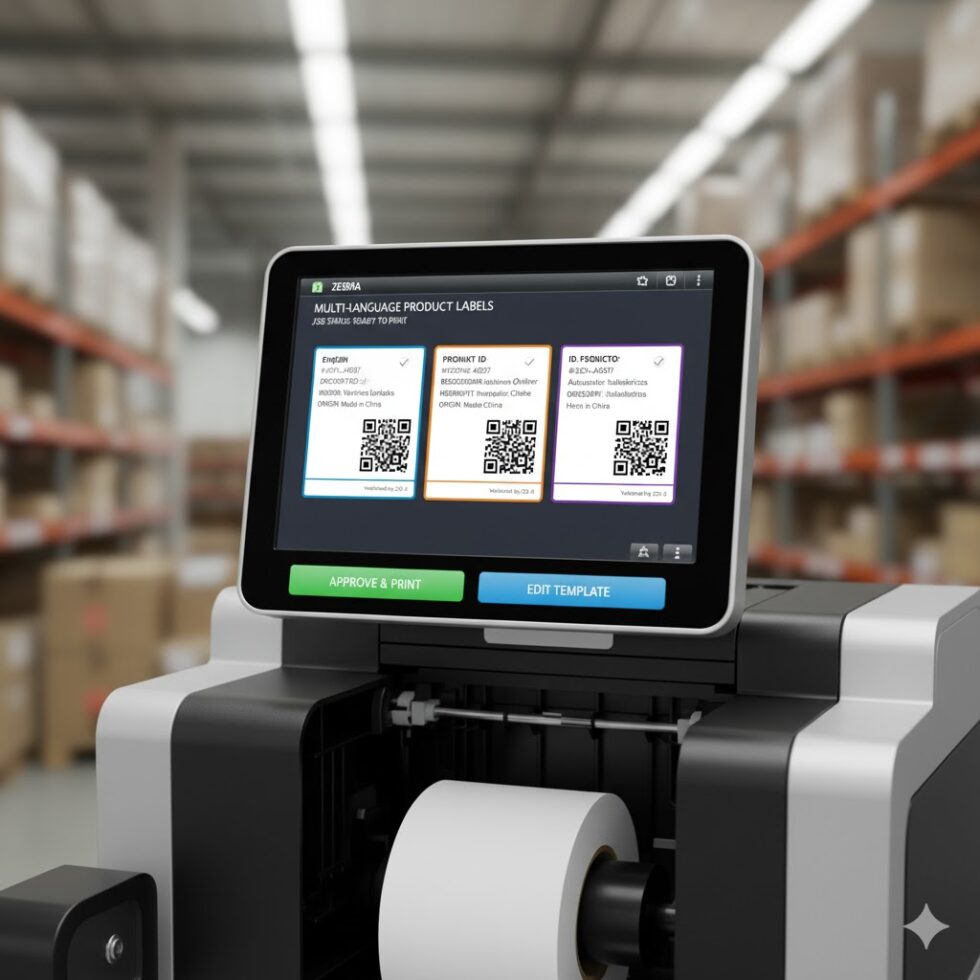
With Unicode support and scalable fonts, global retailers can now print labels in multiple languages — from English to Chinese to Arabic — without needing firmware changes.
Error Handling and Diagnostics
Older ZPL versions required manual troubleshooting when commands failed.
ZPL II introduced status feedback, letting the printer send diagnostic messages about invalid commands, out-of-range coordinates, or missing data fields.
Modern tools like ZPL.ai even visualize this feedback in real time, marking syntax or layout issues directly within the browser before any label is printed.
Integration with Modern Systems
ZPL II wasn’t built for the 1980s — it was built to last.
Its structure makes it compatible with nearly every automation platform, including:
- ERP systems (SAP, Oracle, Microsoft Dynamics).
- E-commerce integrations (Shopify, WooCommerce).
- Cloud-based label management via APIs.
By leveraging RESTful interfaces like ZPL.ai’s cloud API, developers can send ZPL II commands directly from web applications or microservices — no local drivers required.
Final Thoughts
ZPL II represents the moment when label printing moved from manual formatting to intelligent automation.
It remains the foundation of barcode and label infrastructure for logistics, healthcare, and retail — and with modern tools, it’s easier to learn than ever.
Before deploying your next ZPL II project, test your templates with the zpl viewer to ensure accuracy, alignment, and compatibility across all printer models.