

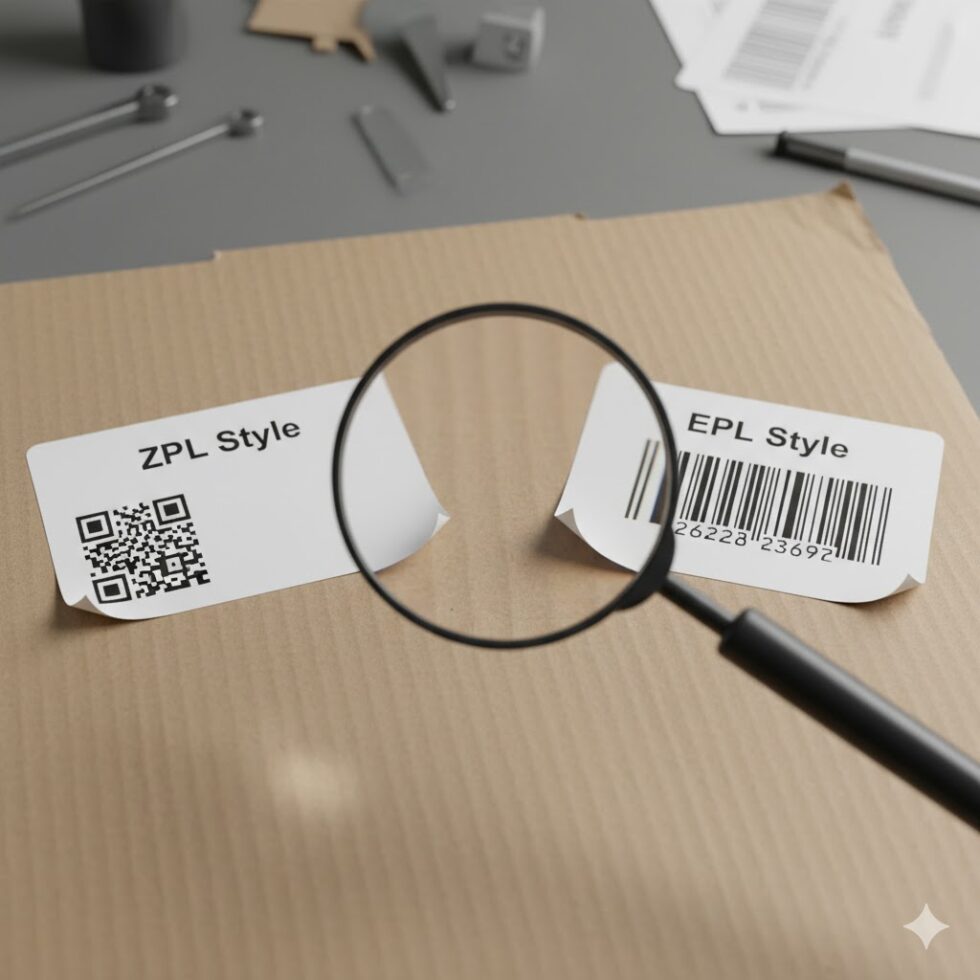
If you’ve ever configured a Zebra printer, you’ve likely come across two familiar acronyms: ZPL (Zebra Programming Language) and EPL (Eltron Programming Language). Both are designed for label printing, but they differ in structure, capabilities, and long-term support.
Choosing between them can make a big impact on your printing setup — especially when scaling up operations or integrating with automated workflows.
This article breaks down the technical differences, use cases, and pros and cons of ZPL vs EPL, helping you decide which language best fits your business.
What Are ZPL and EPL?
At their core, both are printer control languages used by Zebra printers to define how labels should look — text, barcodes, graphics, and layout.
- EPL (Eltron Programming Language) was created by Eltron before Zebra acquired the company. It’s simple, fast, and ideal for small, fixed-format labels.
- ZPL (Zebra Programming Language) is Zebra’s newer, more advanced language that supports modern features like scalable fonts, complex graphics, and 2D barcodes.
Over time, Zebra shifted its development focus to ZPL, which now powers most of its new printer models.
Syntax and Structure
EPL uses a very minimal command set — simple one-letter instructions, like A for text or B for barcodes.
Example:
A50,50,0,3,1,1,N,»Hello World»
This tells the printer to print “Hello World” at position (50,50).
ZPL, however, uses more structured commands prefixed by ^, allowing for more customization:
^XA
^FO50,50
^A0N,40,40
^FDHello World^FS
^XZ
It’s more verbose, but far more powerful — supporting variables, font scaling, and conditional logic.
Printing Capabilities
| Feature | EPL | ZPL |
| Text & Barcodes | ✔ | ✔ |
| 2D Barcodes (QR, DataMatrix) | ✖ | ✔ |
| Graphics / Images | Limited | Full support |
| Font scaling | Fixed size | Scalable |
| Unicode / UTF-8 | ✖ | ✔ |
| Label rotation | Basic | Advanced |
| Color / Overlays | ✖ | ✔ (via ZPL II) |
If you’re printing simple price tags or shipping labels, EPL is fine.
But if your workflow involves brand logos, multi-language text, or dynamic data, ZPL is the clear winner.
Printer Compatibility
Modern Zebra printers primarily support ZPL II, the improved version of the original ZPL.
While some older or economy models still run EPL, Zebra’s roadmap clearly leans toward ZPL compatibility going forward.
Many hybrid printers can emulate both languages, but future-proofing your setup usually means moving to ZPL.
Performance and Processing Speed
EPL has one big advantage — it’s lightning fast on older devices because of its simplicity.
For large-scale batch printing, however, ZPL outperforms due to optimized command processing and better compression for image data.
When paired with modern networked printers, ZPL can handle thousands of label jobs per hour without the performance drops you might see in older EPL systems.
Migration: From EPL to ZPL
If you’re still using EPL and considering switching, Zebra provides tools to help with migration.
However, automatic conversion is not always perfect — certain commands and font sizes don’t translate directly.
Recommended steps:
- Use Zebra’s EPL to ZPL Converter utility.
- Test small batches before full deployment.
- Validate font rendering and barcode readability.
Switching to ZPL ensures long-term compatibility with cloud integrations, APIs, and automation platforms.
Real-World Use Cases
- EPL: Ideal for legacy retail systems, small-scale inventory, or embedded applications where labels rarely change.
- ZPL: Used in logistics, healthcare, manufacturing, and e-commerce — anywhere that requires dynamic labels or complex layouts.
The Future of Zebra Labeling
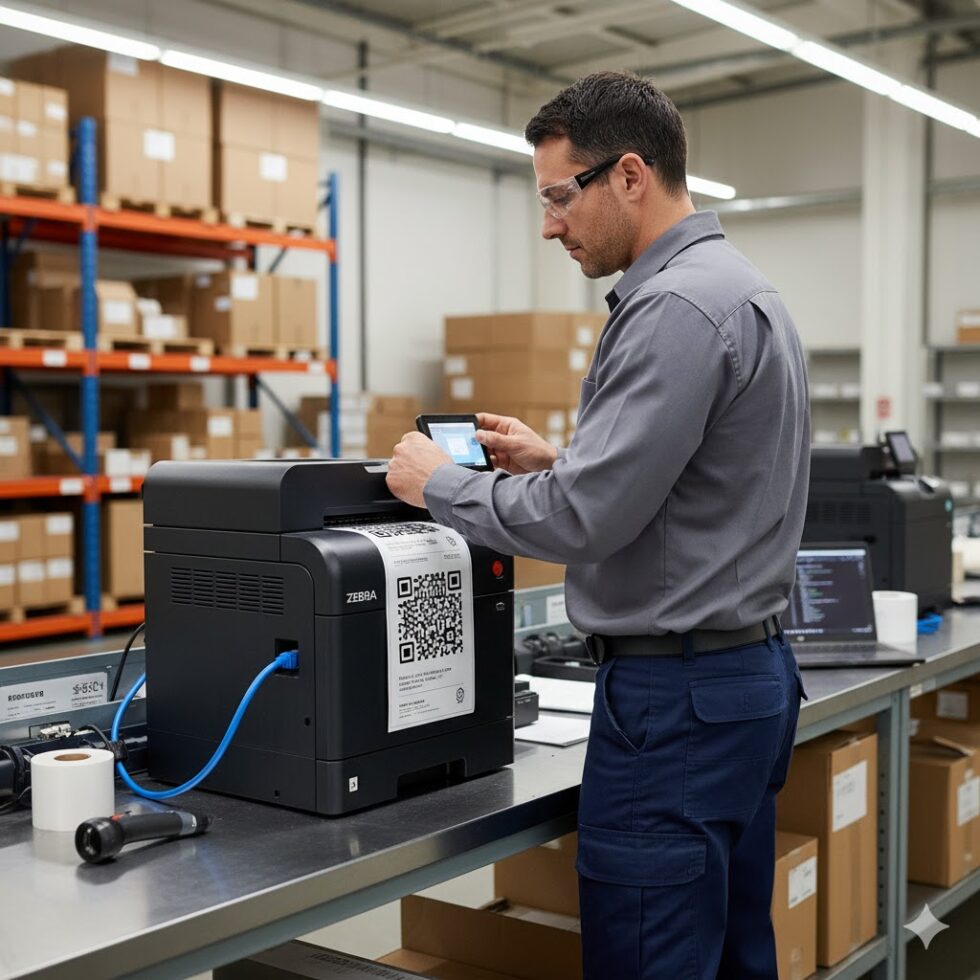
EPL is gradually being phased out. New Zebra printers default to ZPL mode, and most enterprise tools now integrate with ZPL APIs.
Developers and automation teams benefit from its flexibility — whether generating labels from ERP systems, cloud apps, or IoT devices.
In short:
- EPL = Simplicity.
- ZPL = Scalability.
If you’re building a system designed to grow, ZPL is the smart choice.
Final Thoughts
While both languages have their place, ZPL stands out as the industry standard for modern labeling.
It offers unmatched control, cross-platform support, and seamless cloud compatibility — features that make it essential in fast-moving logistics and manufacturing environments.
Before you finalize your next label design, test it online with the zpl viewer to ensure perfect alignment and compatibility across printer models.